
Launch a phone number in minutes
uConnected combines professional numbers, intelligent routing and secure apps so your team can call, text and follow up without new hardware.
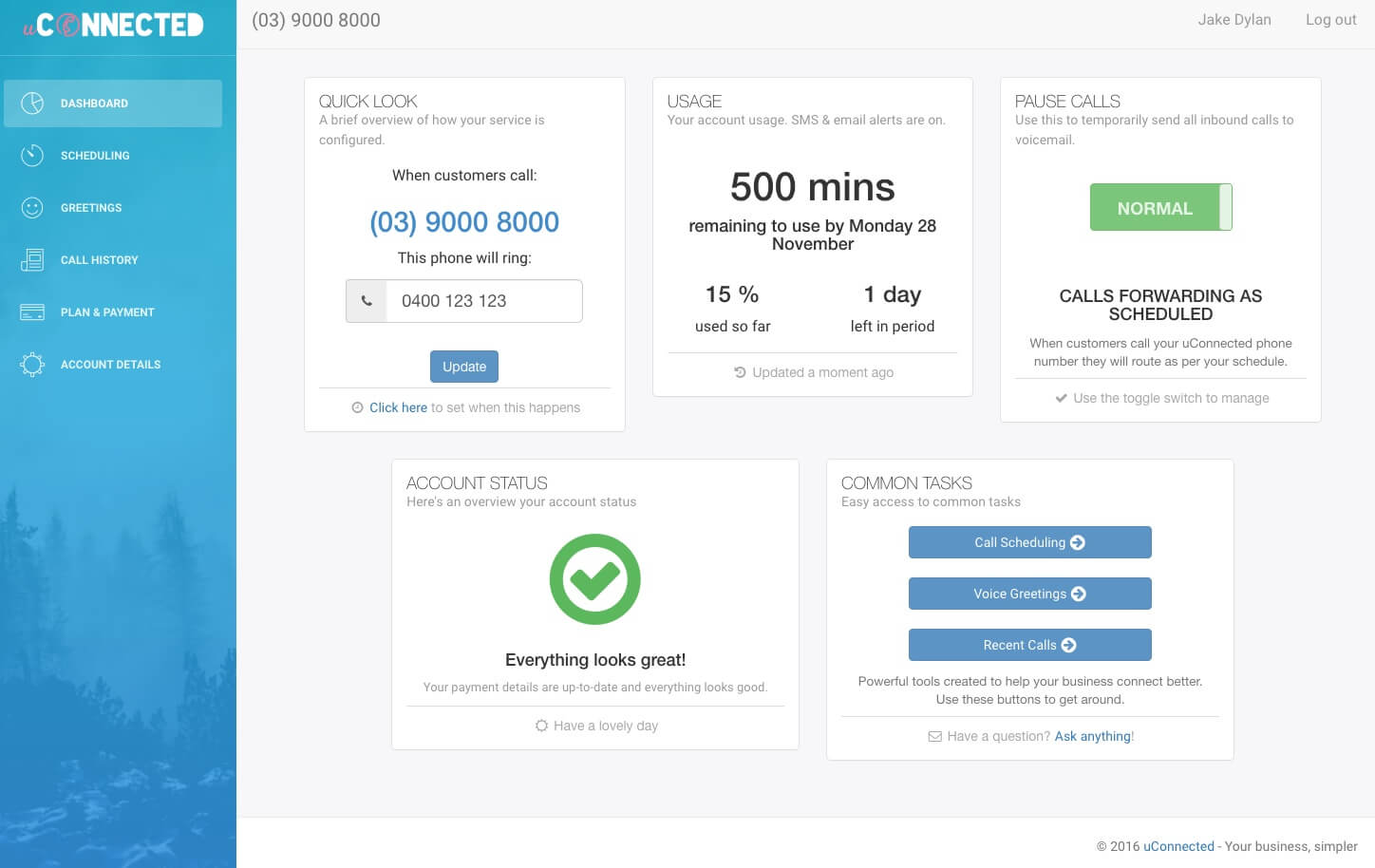
Get your calls under control in three steps
Pick the number you want, decide when it rings, and easily adapt call handling as staffing and enquiry volumes change.
- -Search thousands of available numbers
- -Port an existing mobile, landline, 1300 or 1800 number free when you join
- -Share a mobile number across your team for calls and two-way SMS
- -Keep personal mobile details private
- -Set your business hours and greetings
- -Create IVR menus to prioritise callers
- -Route to mobiles, landlines or the app
- -Monitor answered and missed calls
- -Review conversations without replaying audio
- -Capture voicemail to email for fast follow-up
- -Reply to incoming SMS from the mobile app
- -Fine tune announcements and call handling
Configure schedules, update call flows and listen to voicemails from any browser. With a business mobile number, you can also receive SMS notifications, reply and review customer conversation history in the mobile app.
People using a home landline can follow the same setup path, with fewer team features and a simpler plan.
Explore the appAdvanced tools to fine tune your experience
Once you are up and running, unlock deeper controls to streamline call handling, improve customer experience and keep every caller informed.
- -Create call menus with custom greetings and hold music
- -Set routing rules and max wait times during busy periods
- -Schedule different rules for weekdays and weekends
- -Call history with filters and exports
- -AI-powered call transcription with summaries for context at a glance
- -Detailed call event logging
- -Call recording and transcripts for training, security and compliance
- -Record branded greetings in seconds
- -Use SMS templates with customer-name personalisation
- -See complete SMS conversation history
- -Use app notifications and voicemail to email for fast follow-up
Frequently asked questions
Answers to the most common onboarding questions from new members across Australia.
Sign up online, choose an available number and follow the prompts to activate your service. You will need your name, email address, street address, a mobile phone for SMS verification and a supported payment method. Most new services are ready to use in minutes.
A mobile number is useful when you want one familiar number for business calls and two-way SMS. A local landline number is usually best for a local presence. A 1300 number suits businesses that want one national contact number where callers usually pay their normal 1300 rate. A 1800 number is useful when you want to make it easier for customers to call because 1800 numbers are generally free to call from Australian landlines and mobiles, although caller provider rules can vary.
Yes. New members can choose an available mobile phone number during business signup. Mobile numbers are available exclusively with business plans and can be used for inbound and outbound calls as well as two-way SMS.
Yes. You can choose from the numbers currently available during sign up. If the area you want is not listed, contact uConnected and we can request a local landline number from that area. Allocation usually takes a few business days and depends on availability.
Yes. You can choose from available 1300 and 1800 numbers during sign up. If you want a specific custom or smartnumber, you may need to secure the usage rights through ACMA first, then contact uConnected so we can help bring the number across.
Yes. You can port supported Australian mobile, landline, 1300 and 1800 numbers to uConnected. Simply create your account and follow the steps provided during the sign-up process.
No. uConnected works with devices you already use, including mobiles, landlines and the uConnected app. People using our business plans can make and receive calls through the app without installing a desk phone system.
Ready to launch your new number?
Create your account in minutes, choose your ideal number and tailor call handling for business or personal use.
Choose your numberBE MORE REACHABLE, SELL MORE STUFF
If you decide uConnected isn't driving results for you – no problem. Cancel online at any time.